
Appearance
Connect and Detect
- Click Select Serial Port.
- Pick your device in the browser serial picker.
- Squawk FM opens the port and runs driver detection.
- Confirm status shows a matched driver model.
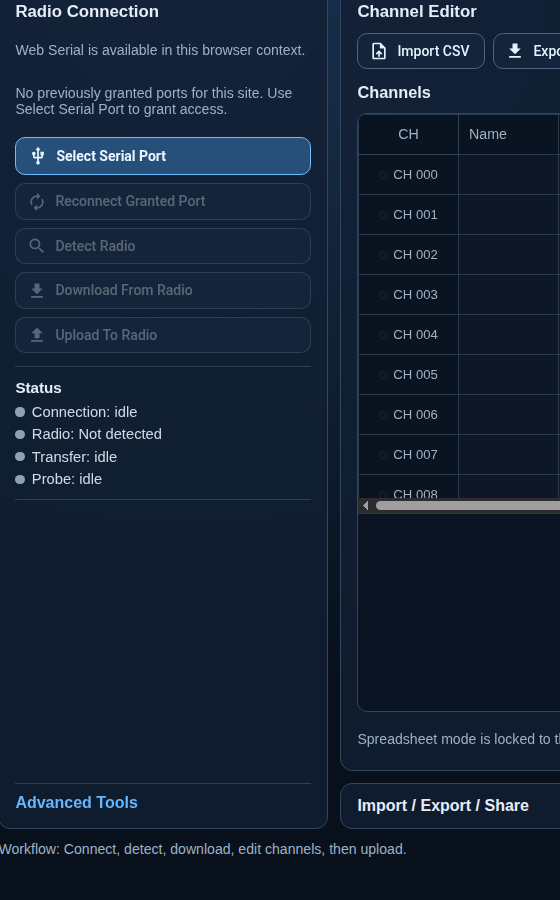
Expected status flow
Connection: port-openProbe: matchedRadio: <detected model>
If probe fails, use Troubleshooting.