Appearance
Edit and Program
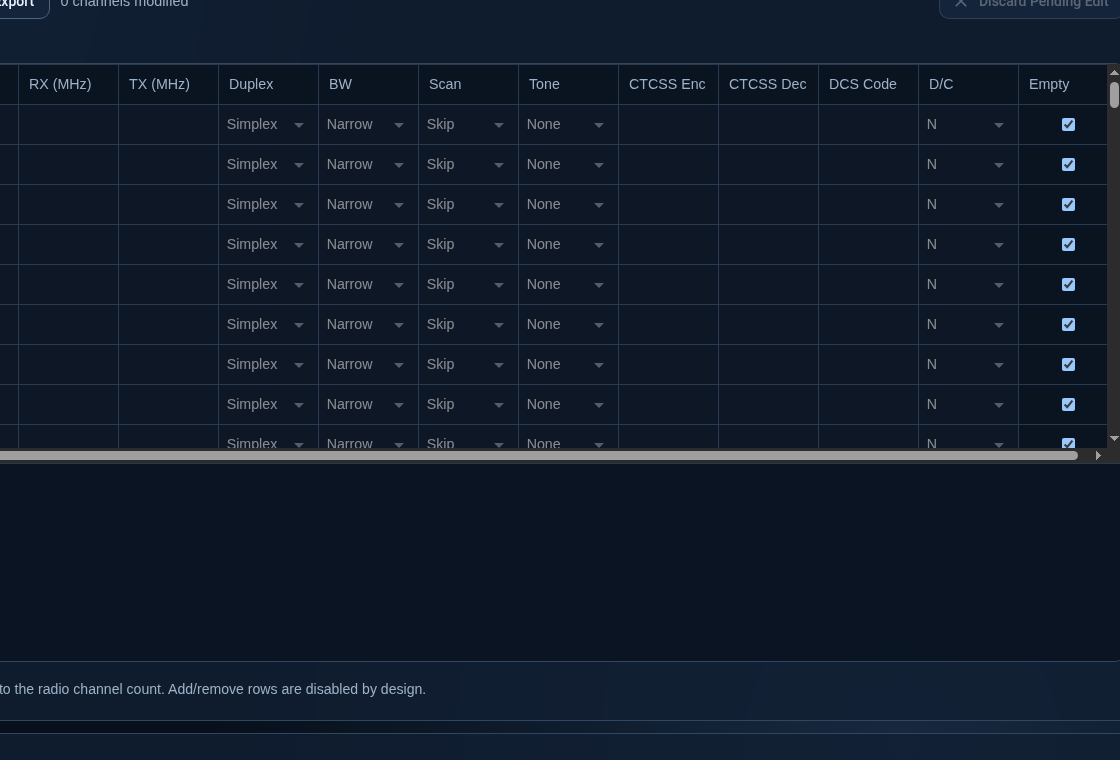
After download, use the channel grid to edit values directly.
Editing notes
- grid cells validate constraints as you edit
- modified rows are marked in the UI
- upload action resets dirty state only after successful write
Program flow
- Click Download From Radio.
- Edit channels.
- Click Upload To Radio.
- Wait for transfer completion.
The top transfer progress bar appears only during active operations.